9:16 · UGC · Hook
Launch brief15s opener
Ad opener
UGC Video Ad
Build a social opener, creator shot, and product proof sequence.
Open toolVividAI keeps image-to-video, keyframes, character references, cover assets, and credit planning in one workflow. Run a first cut you can judge, then tune it for TikTok, Reels, YouTube, or product pages.
Choose a direction and open the studio with an editable prompt already shaped for your product, character, or story.
Build a social opener, creator shot, and product proof sequence.
Open toolUpload a product image and add rotation, push-in, and light.
Open toolKeep a character consistent for IP accounts and avatar clips.
Open toolConnect two frames into a stable product or story transition.
Open toolRunway, Pika, Kling, Luma, Sora, and Veo are all pushing image-to-video, keyframes, character consistency, and channel-ready output. VividAI packages those needs into a lighter studio: draft first, refine, then generate the cover and supporting visuals.
High-quality text, image, and multi-reference video generation
Fast lower-cost drafts for exploring directions
Text or single-image animation with HD output
Image generation, posters, beauty visuals, and edits
Common creation jobs live on one page: short video, image-to-video, character, face swap, poster, lipstick report, and color profile. Each entry starts from a deliverable, not an empty model console.
Turn text, images, keyframes, or multiple references into ads, social clips, and product scenes.
Create a consistent character, then reuse it for images and short videos.
Generate commerce images, infographics, brand visuals, and social assets from one prompt.
Upload a source face and target image to create a naturally blended portrait swap for covers, characters, and campaign assets.
Upload a portrait and create clean 9:16 covers for profiles, campaigns, and content openers.
Turn a selfie, skin tone, and brand preference into a shareable shade matrix.
Generate undertone, palette, makeup, hair, and wardrobe ideas from one portrait.
Turn one brief into shot goals, a recommended mode, and editable prompts. You can start from a clear video plan before writing a long prompt yourself.
Start with AgentCreate a 9:16 social ad for a premium skincare launch. The first three seconds need a strong hook, then cut from creator opener to texture, packaging, and natural-light skin result. Keep it clean, real, and fast-paced.
AI video does not need another blank generate button. Teams need a repeatable path that connects products, people, shots, and channel specs with visible cost at each iteration.
Top video models keep improving quality, but production teams still care most about control, speed, cost, and whether the result fits the channel.
Commerce, ads, and personal IP usually start from a product photo, selfie, or character sheet that needs stable motion.
9:16, 16:9, product-page loops, and short ad openers are more actionable than generic cinematic wording.
Creators will run more versions when every generation shows the estimated credit cost before submission.
The first page should make the product obvious: VividAI is not an empty model console. It connects video, commerce visuals, beauty content, and virtual characters into assets people can actually ship.
Scripts, references, prompts, generation, downloads, sharing, and reusable history stay in one path.
Open video studioTurn a brief into shot goals, recommended modes, and editable prompts so users can start without prompt-writing expertise.
Start with AgentCreate a character master, then keep generating images and videos around the same identity for IP and recurring content.
Create characterTurn static product images into rotations, push-ins, loops, and channel-ready short clips for stores and ad tests.
View image-to-videoValidate a shot direction at lower cost, then move to HD, longer duration, or richer references once it works.
See creditsStart from product launch, app demo, restaurant motion, real estate walkthrough, poster, and beauty-report templates.
Browse templatesVideo brings the scene into motion; posters hold the first impression. Check the look, then push the next version further.
Open tool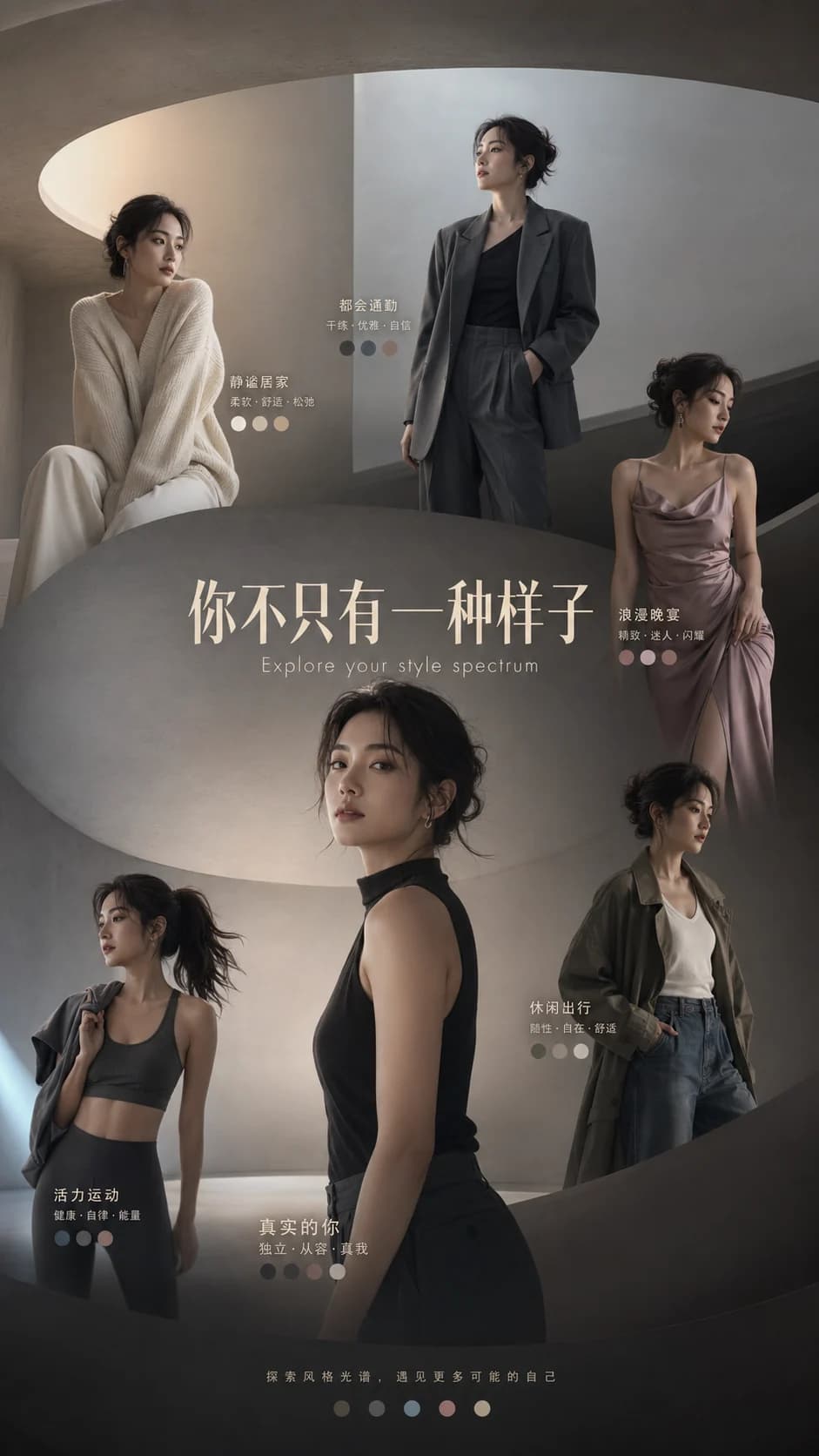
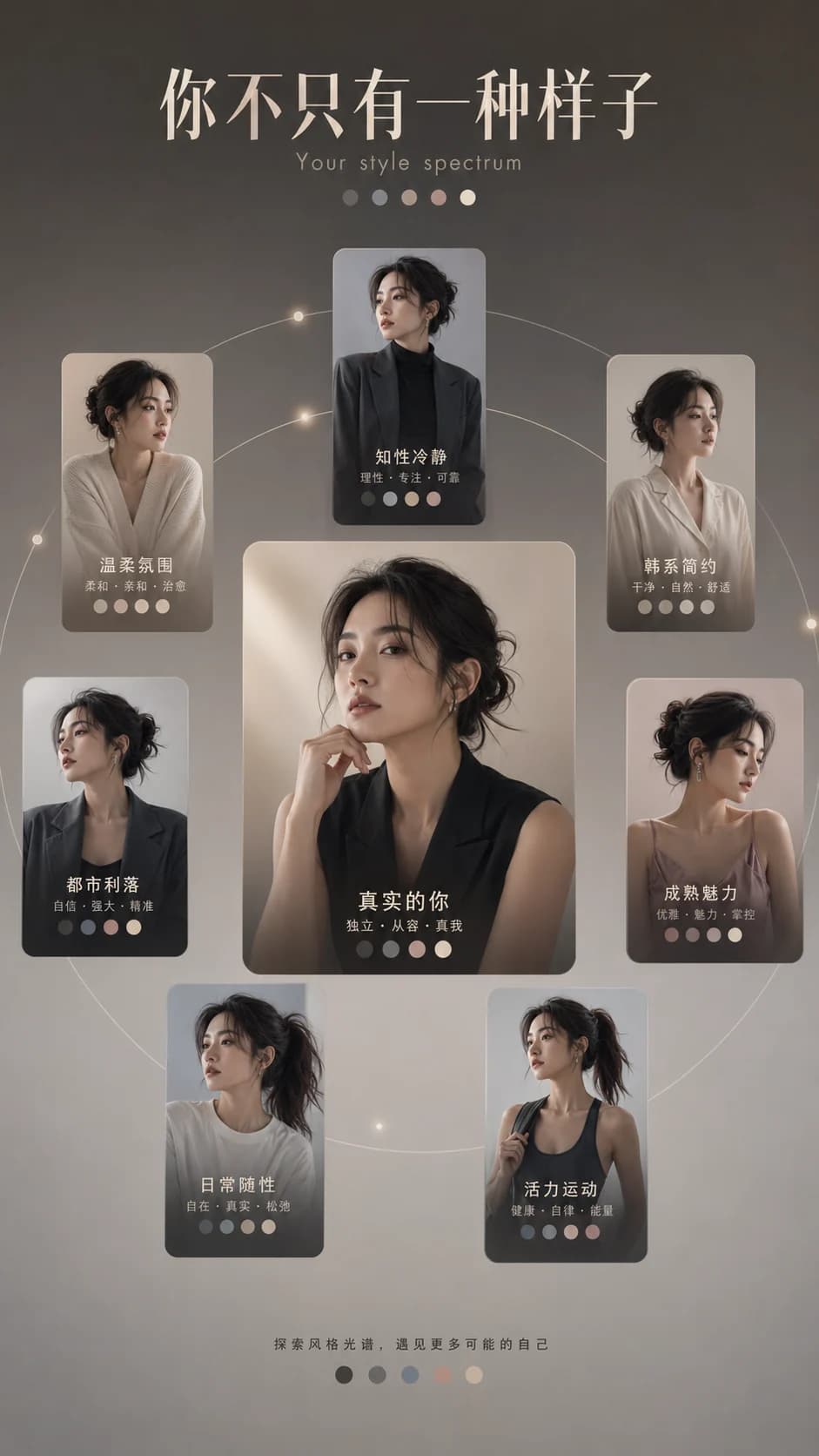
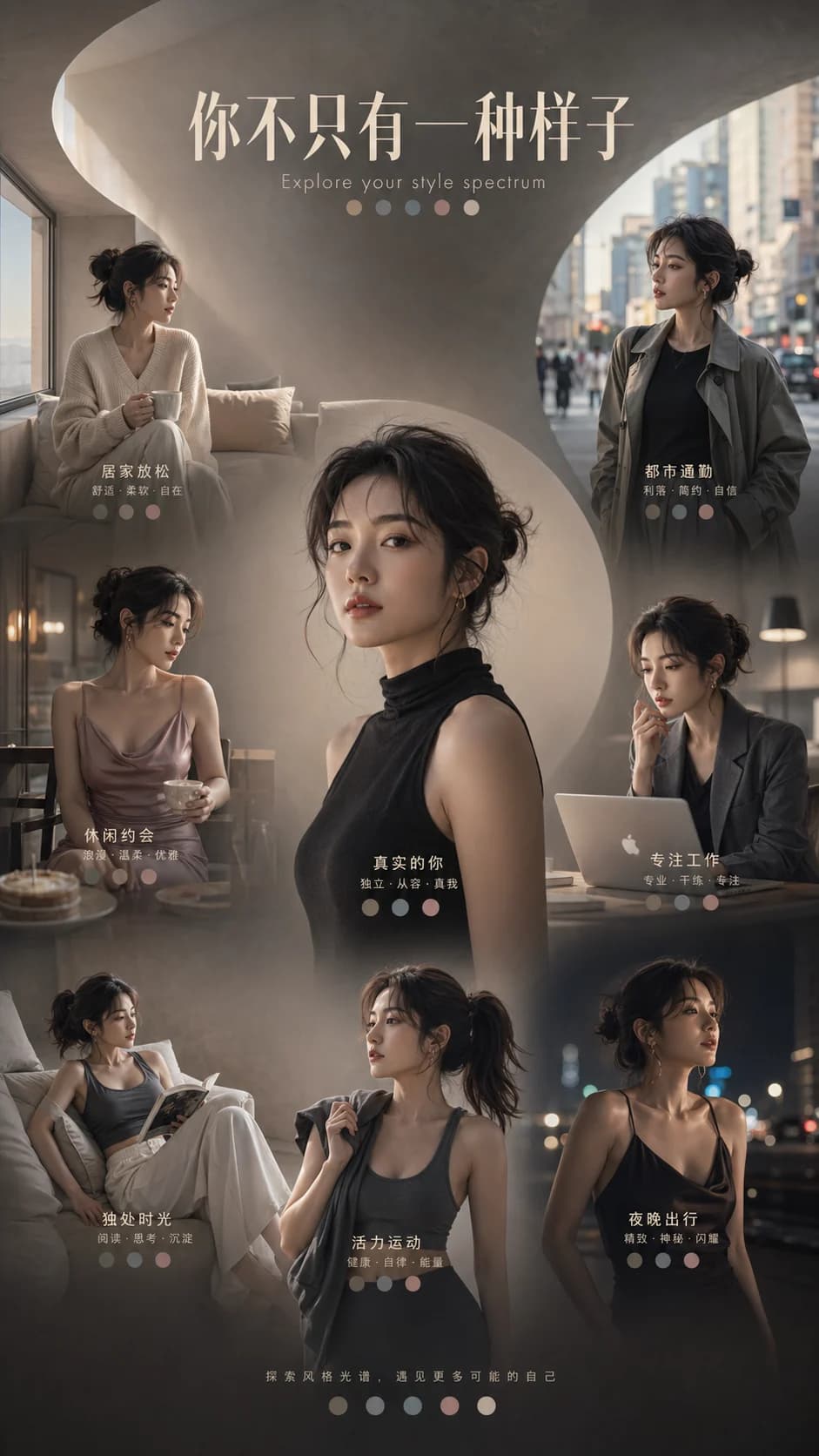
Create an account and get 10 trial credits to try a video or visual asset. When the direction feels right, polish the final version.
Start creating free