AI Creation Case Library
Start from curated posters, beauty reports, and video creative directions. Image cases show real output assets, while video cases provide reusable prompts and practical setup notes.
Check the starting asset, target output, and evidence boundary before opening a poster, beauty, video, or image-to-video workflow.
Portrait poster examples
Use these when one authorized selfie should become a social cover, event visual, or personal IP asset.
- Starting asset
- Clear selfie or portrait reference
- Target output
- 9:16 poster, cover, and visual direction
- Evidence boundary
- Image cases show existing static outputs; they do not promise identical composition or likeness for every selfie.
Beauty report examples
Use these when tone observations, shade recommendations, and shopping reasons need to become a shareable report.
- Starting asset
- Authorized selfie plus brand or shade direction
- Target output
- Lipstick recommendation report or beauty shopping asset
- Evidence boundary
- Report cases are creative and shopping references, not replacements for in-person shade tests, skin diagnosis, or professional styling.
Video direction examples
Use these to validate camera rhythm for launches, campaign teasers, or short-form ads.
- Starting asset
- Script, product image, campaign brief, or shot prompt
- Target output
- Reusable video prompt and generation path
- Evidence boundary
- Video direction cases do not fake a finished render; they explain the prompt, model, and asset-prep path.
Product loop examples
Use these when one product image should become a stable lightweight loop for product pages or ad tests.
- Starting asset
- Clear product image or poster asset
- Target output
- Short loop direction with subtle camera motion and stable subject
- Evidence boundary
- The case helps choose HappyHorse 1.0 or image-to-video, while final stability still depends on source quality, motion constraints, and reruns.
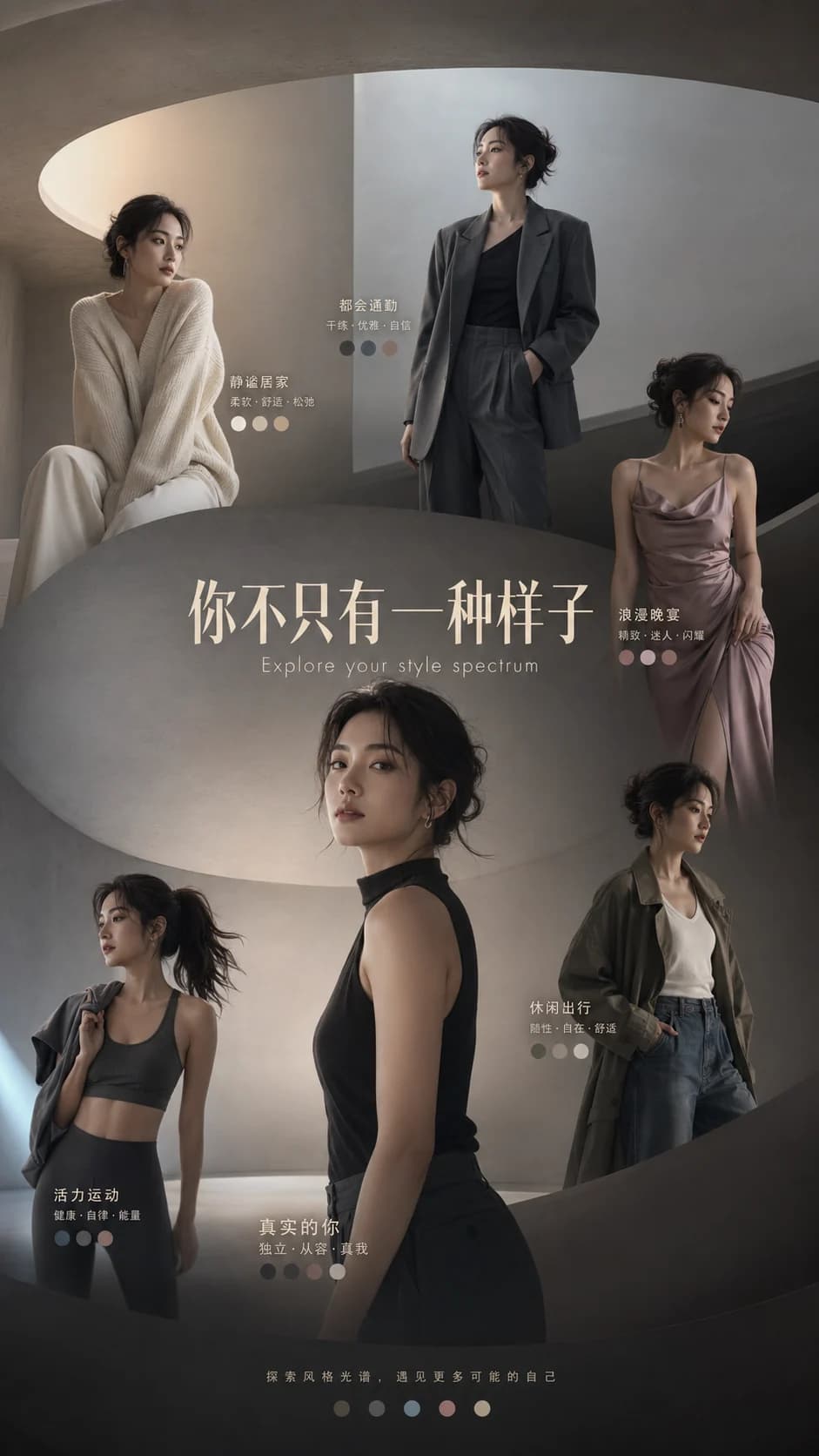
Immersive Portrait Style Poster
Keep the subject recognizable while using lighting, space, and title hierarchy for a premium feel.
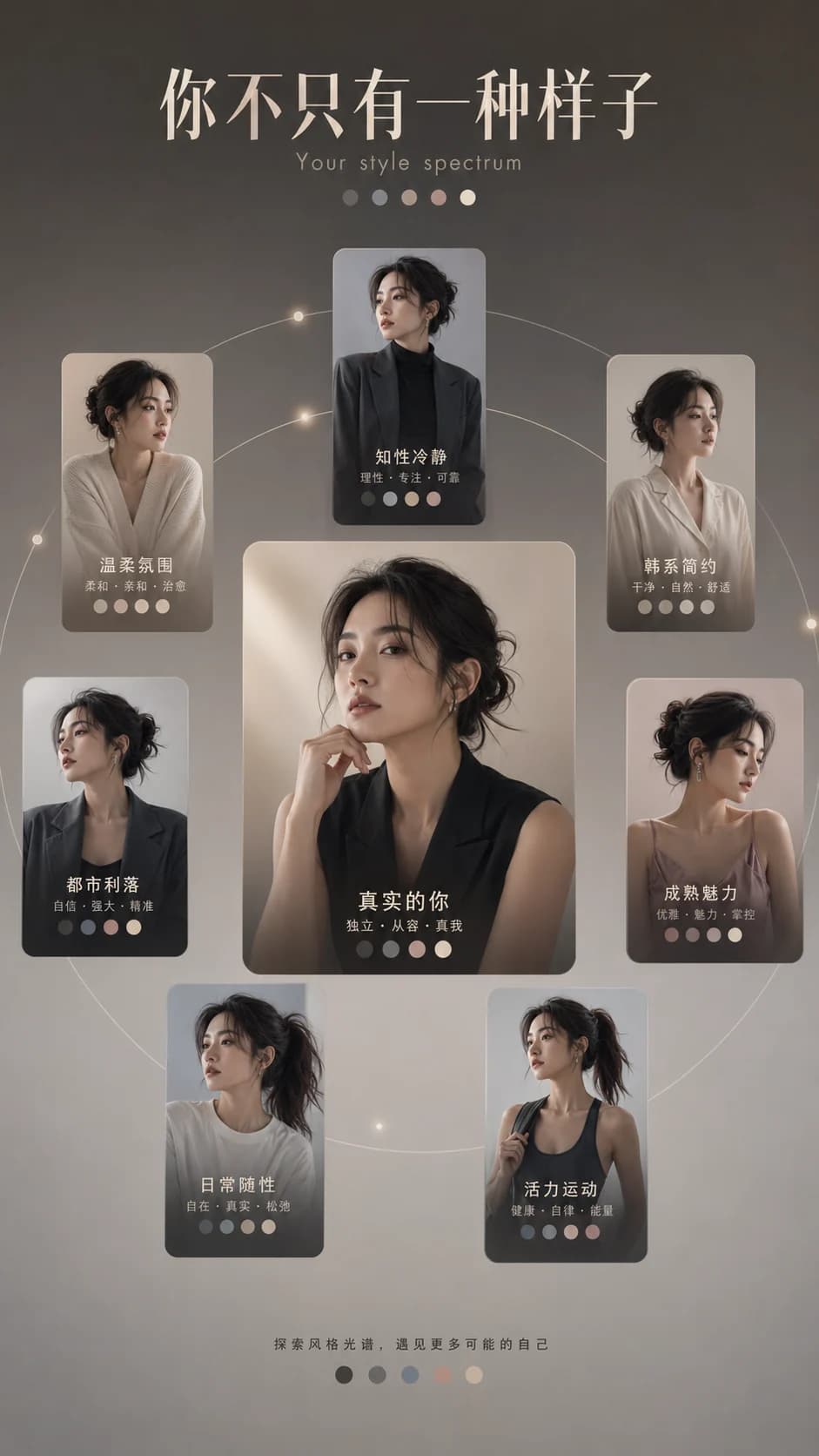
Orbit Composition Portrait Poster
Use orbiting elements to organize the composition around the subject and keywords.
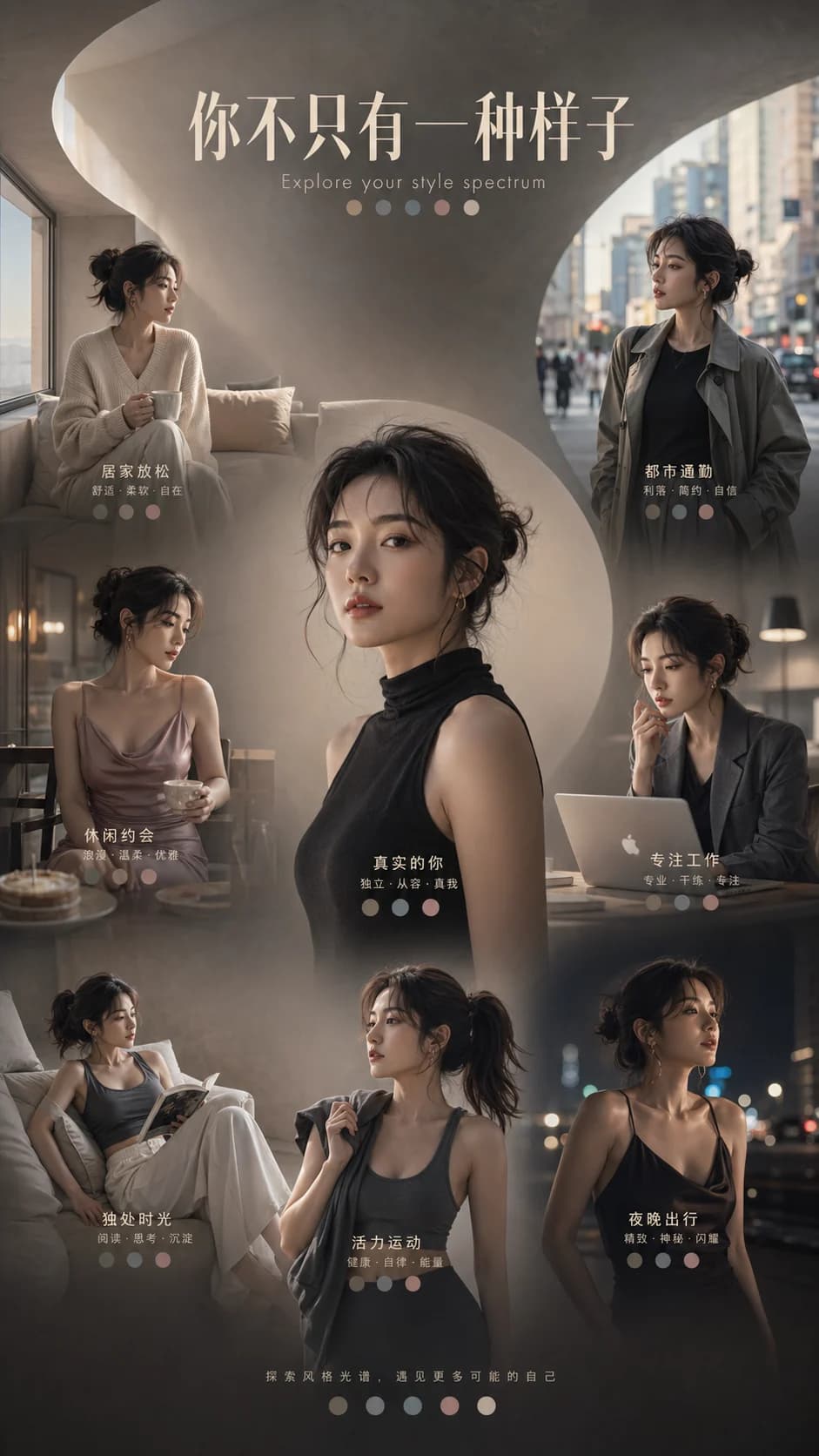
Scene Storytelling Portrait Poster
Use scene, lighting, and small title details so the output feels like a complete poster, not only an avatar.
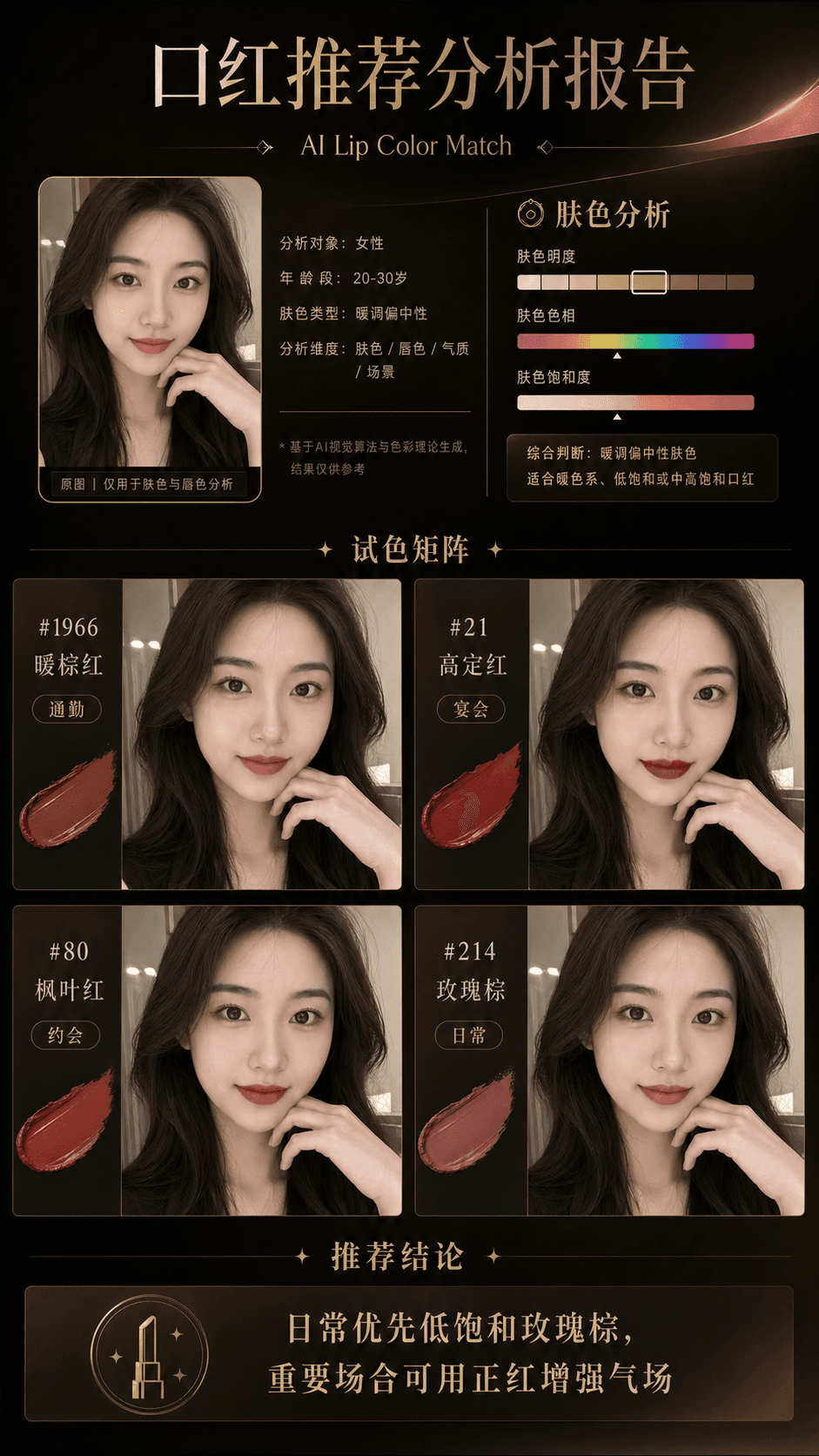
Lipstick Shade Matrix Report
Put observations, try-on matrix, and occasion guidance into one report visual.
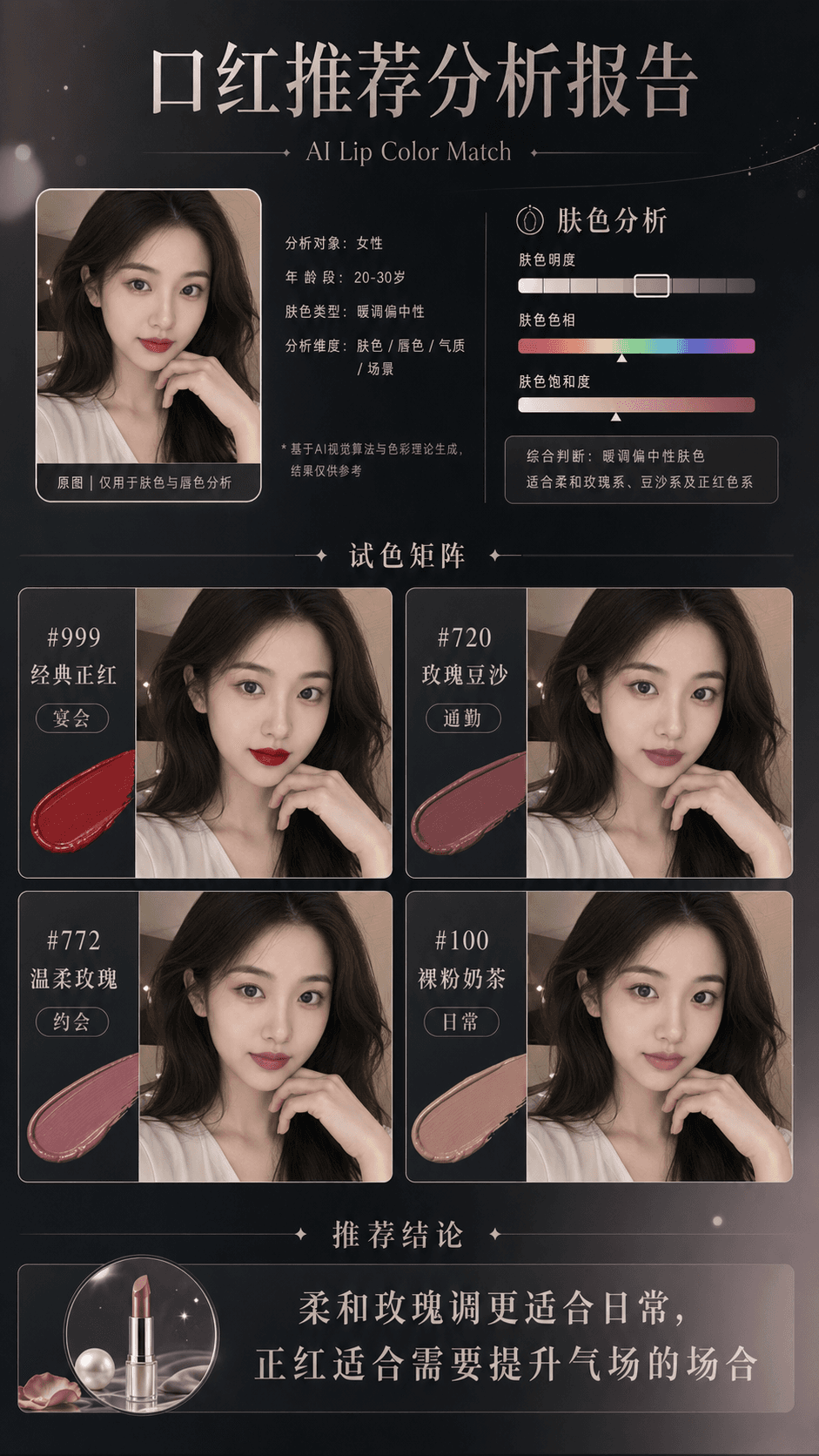
Beauty Commerce Recommendation Asset
Show shades, occasions, and makeup notes within one visual.
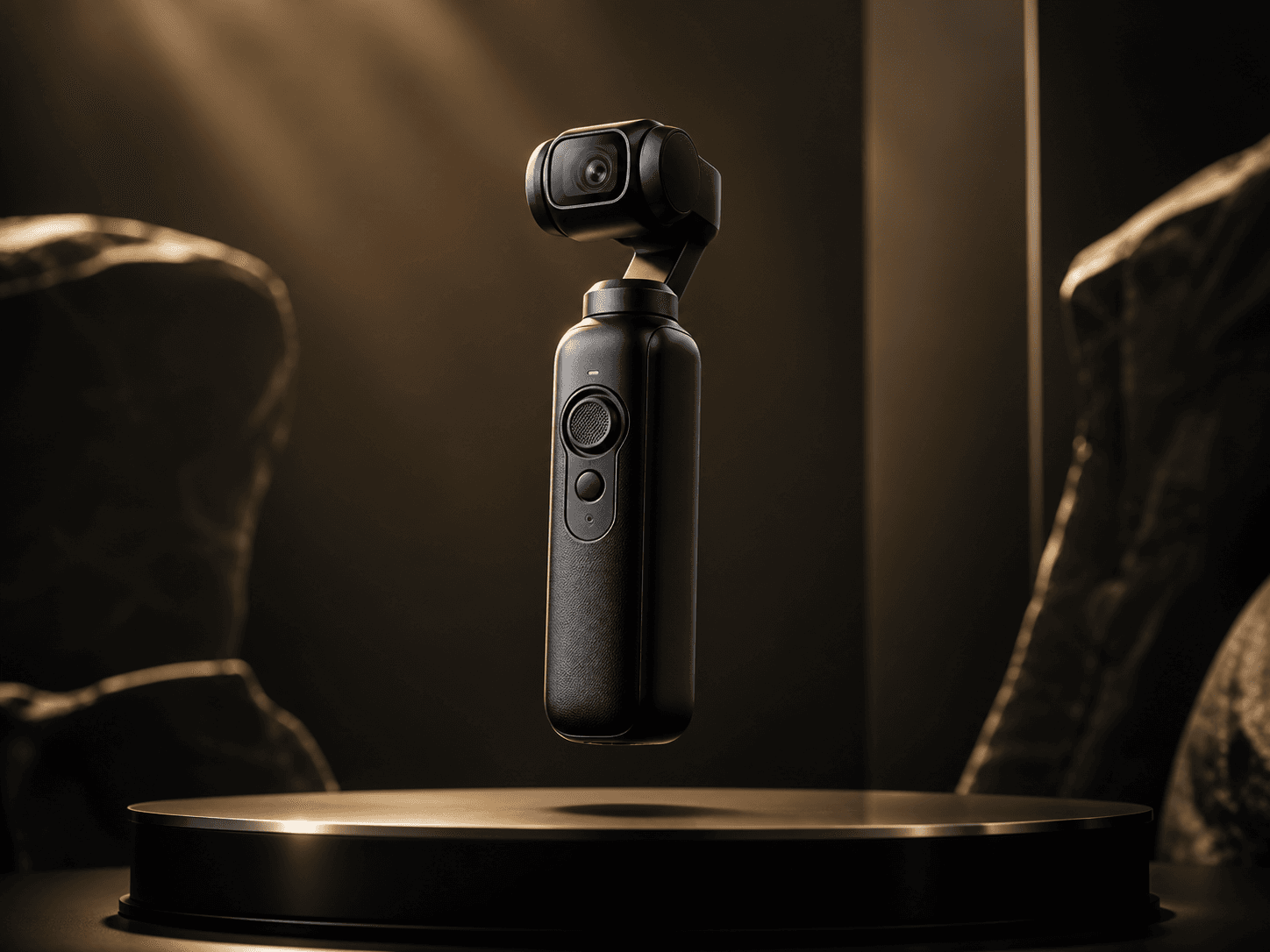
Product Launch Video Direction
Use a reusable prompt to define the camera rhythm, then bring product imagery into the video tool for a draft.
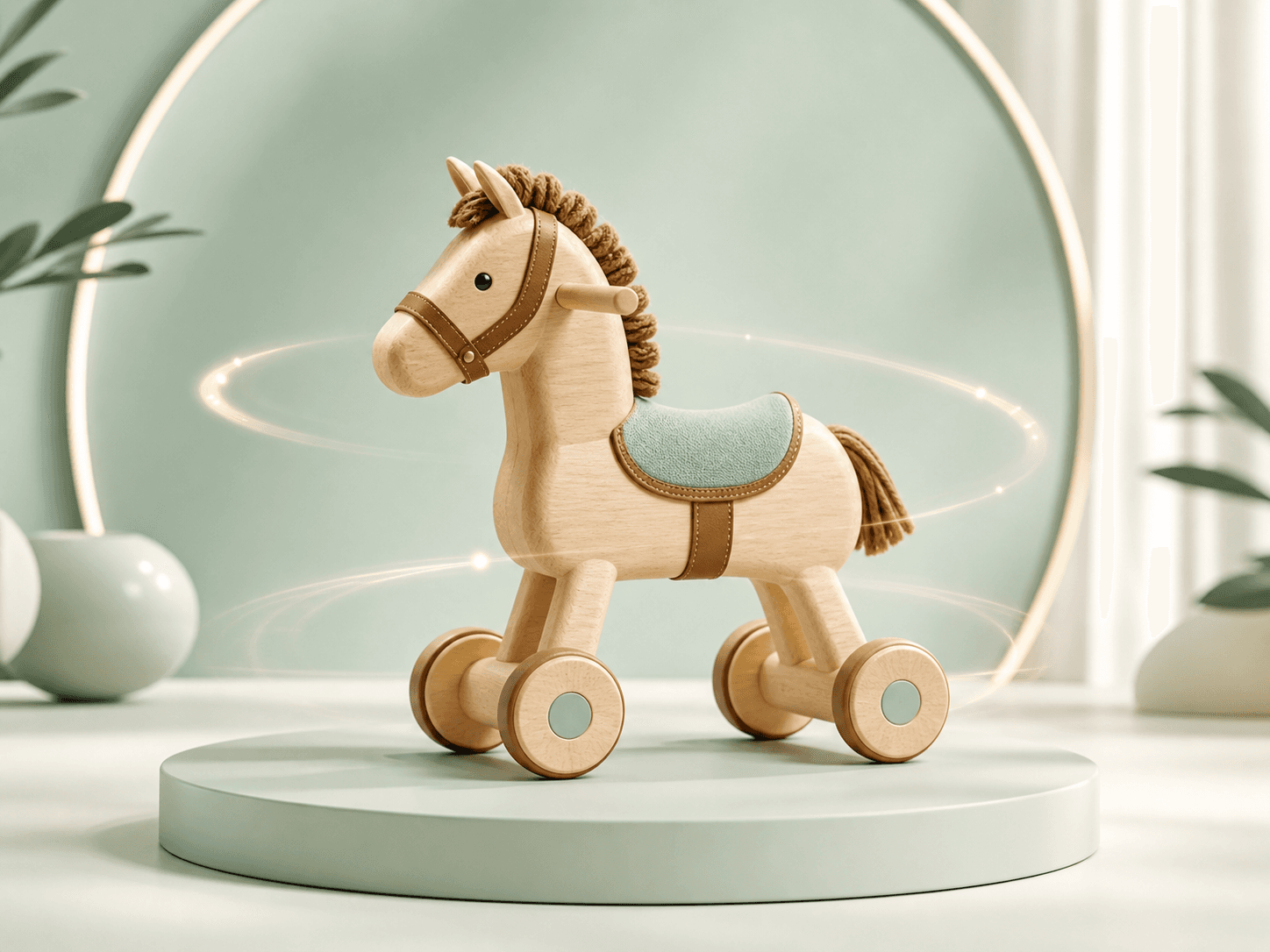
Product Loop Motion Direction
Start from one product image and create a stable loop with subtle camera motion and a smooth ending.
How should I use the VividAI example library?
Choose a case by starting asset and target output: portrait poster, beauty report, video direction, or product loop. Then open the related prompt, model page, or generation tool.
Are video examples finished video renders?
Not every video case shows a finished render. Video direction cases explain the prompt, model, and asset-prep path without faking a render or promising identical results.
Do examples prove my result will be identical?
No. Examples help choose a starting point and workflow, while final output still depends on source quality, prompt, model, format, motion constraints, and reruns.