Product launch
Product Launch Video Direction
Use a reusable prompt to define the camera rhythm, then bring product imagery into the video tool for a draft.
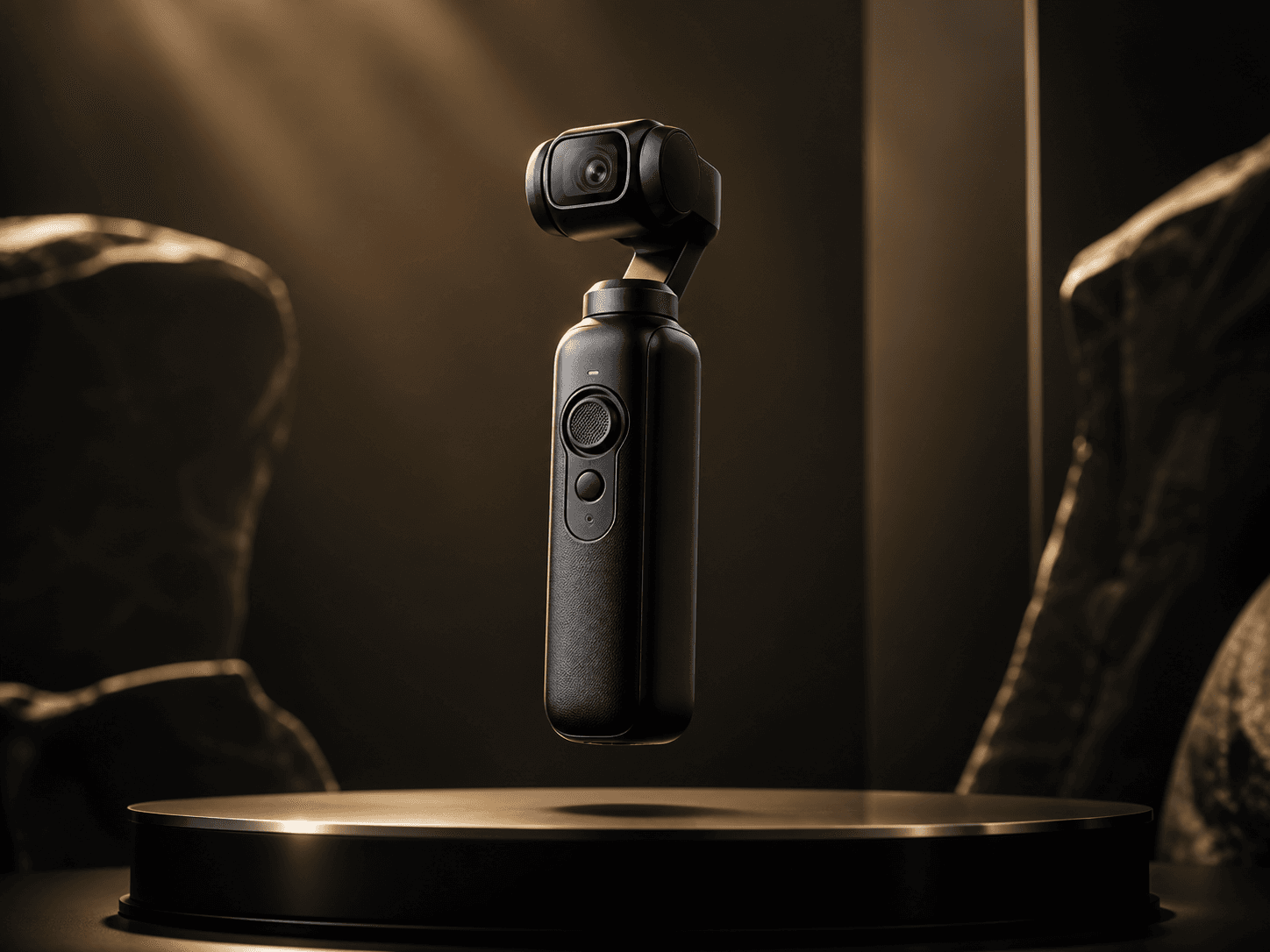
Seedance 2.0video directionlaunch
Case Fit
Video direction examples
- Starting asset
- Script, product image, campaign brief, or shot prompt
- Target output
- Reusable video prompt and generation path
- Evidence boundary
- Video direction cases do not fake a finished render; they explain the prompt, model, and asset-prep path.
Goal
Use Seedance 2.0 to validate the camera rhythm of a new product clip.
Result
Best used by copying the prompt into the video tool, then adjusting for product images and channel.
Model Used
Seedance 2.0
An AI video model for launches, short ads, and multimodal creative work, built for fast drafts from text, images, and keyframes.
View model pageRelated Prompt
Product Launch Short
Use Seedance 2.0 to create a product launch clip with camera rhythm.